If you've ever lost track of which version of a prompt was actually working, or accidentally overwrote the good one with a broken experiment—this is for you.
I'm walking through PromptOwl's versioning system and showing you exactly how it works in practice:
- Every edit creates a new version automatically—no manual "save as" nonsense
- You can see exactly what changed between versions (with your own notes on why you made the change)
- Roll back to any previous version instantly, or promote old versions back to production
- Compare performance across versions to figure out which one actually works better
- All your experimental iterations live in one place instead of scattered across 47 different chat windows
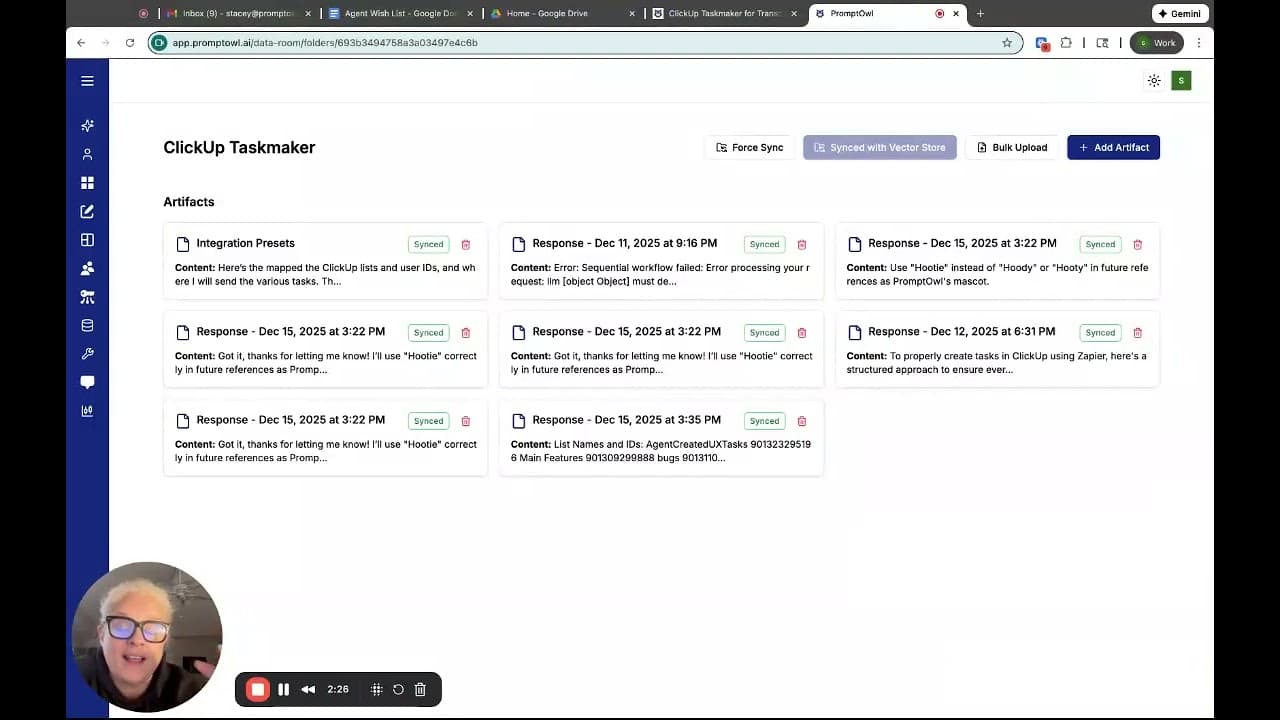
The demo uses my meeting transcript processor as an example—it pulls tasks from Google Meet transcripts and syncs them to ClickUp. You'll see me add a new team member to the integration presets, update the prompt to handle it, version the changes, and push it live.
This is what proper version control looks like when you're building with AI. No more "which prompt was I using last Tuesday?" No more losing hours of refinement because you can't remember what you changed.