
June shipped the PromptOwl desktop app for macOS, Windows, and Linux, SOC 2 certification, a Nest you can see as a graph, and a real editor with real search.
PromptOwl, on Your Desktop
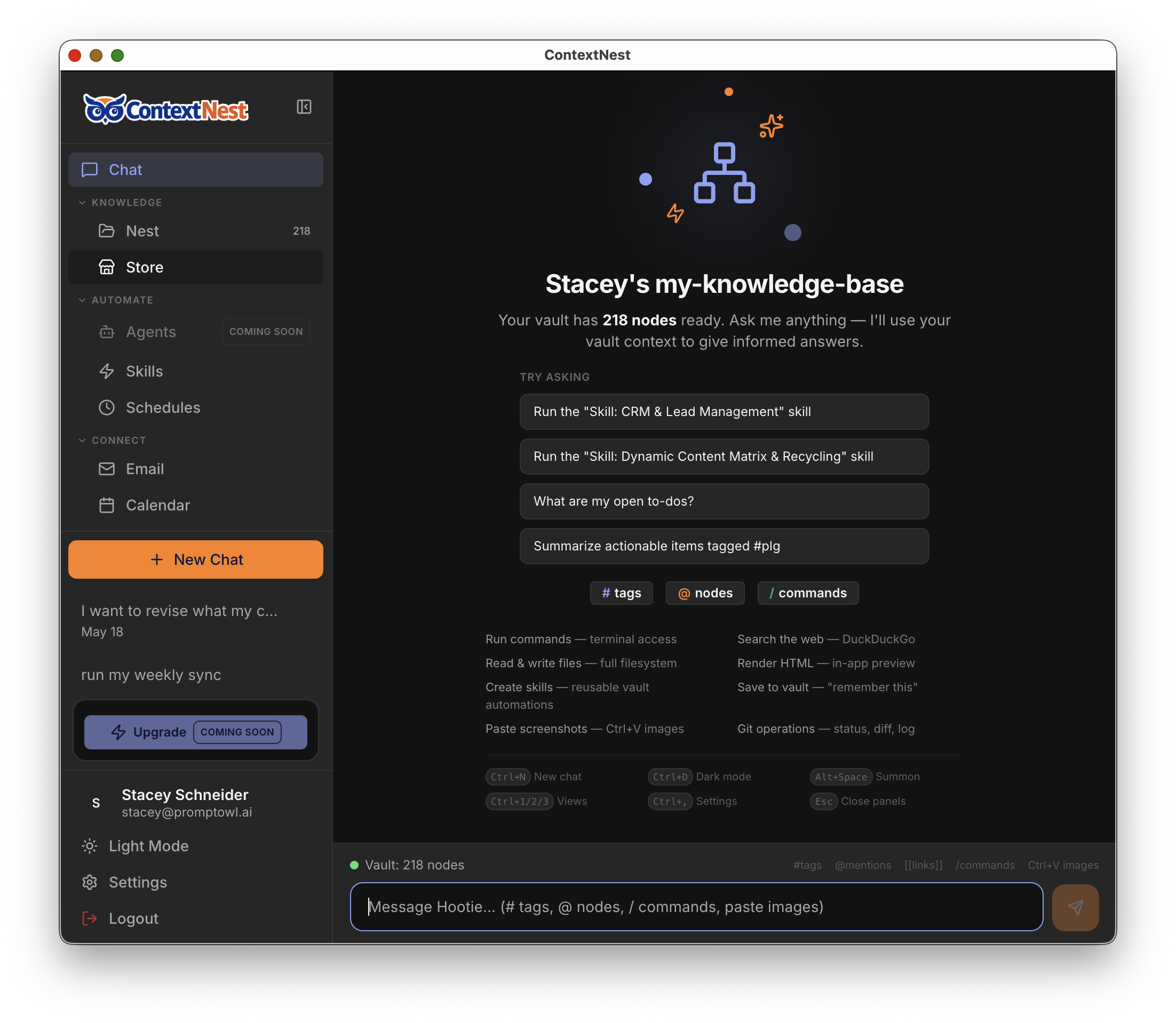
The PromptOwl desktop app is here for macOS (Apple Silicon and Intel), Windows, and Linux. Download it, sign in, and your agents, your Data Room, and your conversations are right there — no browser tab required.
The download page detects your operating system and hands you the right installer in one click.
Download PromptOwl for desktop →
SOC 2

PromptOwl is SOC 2 compliant, with the badge live on our site. If you're bringing PromptOwl into a company with a security review process, that's the first thing to point to.
See our compliance documentation →
Your Nest, Mapped Out
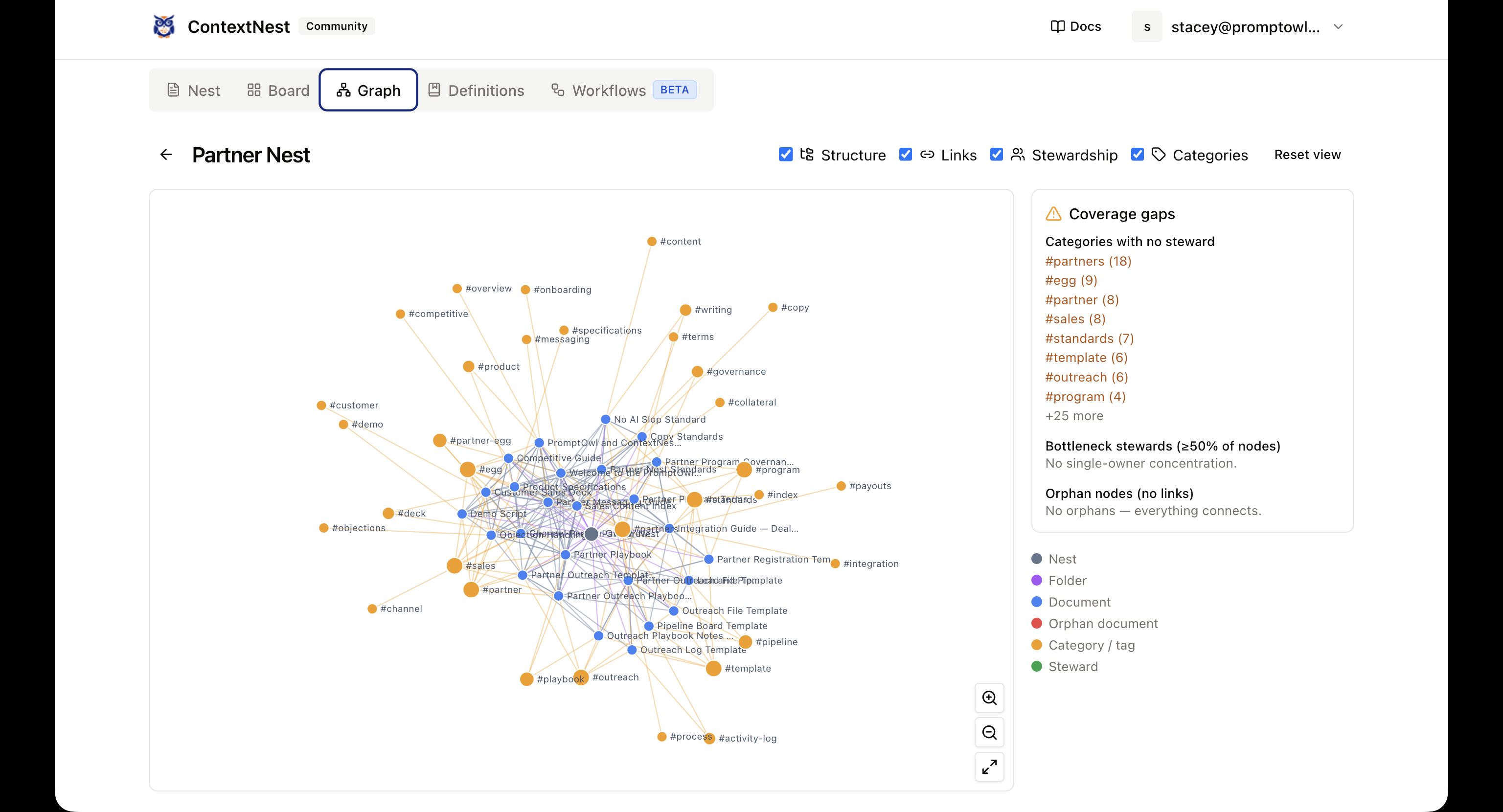
Community Nest shows your knowledge base as a graph now — every document, every [[link]] between them, laid out so you can see where the gaps in stewardship are at a glance. Pan, zoom, and fit the whole map in one view.
Comments anchor to the exact text you're talking about, highlighted right in the document, with a dedicated comment mode and a threaded panel — plus a running activity log for the whole Nest.
A Real Editor, and a Way to Find Anything
Highlight text and a formatting toolbar shows up right there. Turn a block into a heading, a list, or a quote from a "turn into" menu. Power users can flip a raw markdown toggle to see and edit the source directly.
Jump to any document with Cmd+K, search the full text of everything in your nest, see what links to a document with a backlinks panel, and use a table-of-contents outline to move through a long one without endless scrolling.
The Small Wins That Add Up
- Real account management for the self-hosted Community edition — resetting passwords and removing users, without touching a config file.
- Documents filter by date in Community Nest.
- Orphaned documents show up clearly instead of hiding in the file list.
- Add with AI. Drag a document in, and PromptOwl structures it into a node for you.
- Real diffs in version history — see exactly what changed between two versions, not just that something did.
- Shareable document links, with finer control over who can invite new editors.
- Drag and drop a file straight into a vault to import it.
- Find and replace inside a document with Cmd+F.
- Export any document as plain markdown, ready to drop into another tool.
- Revert a document to an earlier version in one step.
- A nest overview page shows what's inside and what's been edited recently.
- One-click sign-in from your PromptOwl account straight into a self-hosted Community Nest.
That's June: PromptOwl on your desktop for macOS, Windows, and Linux, SOC 2 compliant, and a Nest you can finally see whole and search.
Download PromptOwl for desktop →
Published July 5, 2026 · PromptOwl Product Team