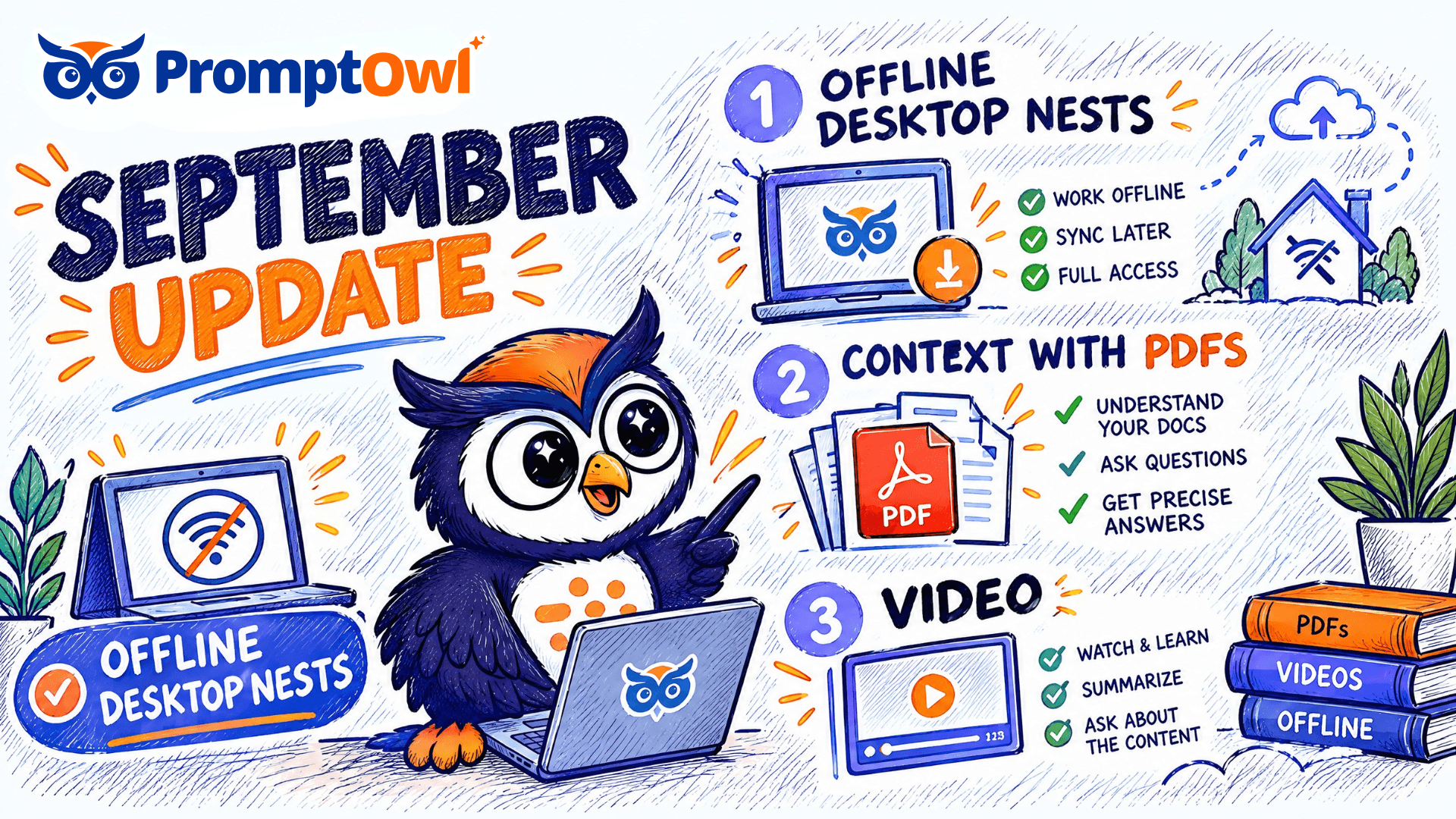
September shipped an Owl Desktop app that works offline and searches across every nest, @mentions that tag teammates right in a document, a Distill that starts by asking what you're building, and PDFs, video, and images that render inside your context.
Your Nest, Wherever You Are
Owl Desktop 0.4.0 searches across every nest you have in one pass, and it keeps a local copy of your vault so you can read and edit without a connection. Edits made offline sync back as soon as you're online again. A native tray menu and a quick-search hotkey keep your context close at hand on macOS and Windows.
PDFs, Video, and Images Inside Your Context
Drop a PDF, an HTML5 video, or a WebP or PNG image into a node and it renders inline, right where it belongs in the document. Your context can show the thing, not just describe it.
Distill Starts With a Conversation
A short onboarding chat asks about what you're trying to build before Distill starts work. A node inspector lets you open any generated node and see exactly what's in it. Once you're signed in, what Distill builds saves straight to your nest by default.
Tag a Teammate Right in the Document
Type @ in the editor and pick anyone on your nest's roster. The question you leave in a paragraph points at the person who can answer it.
Drafts, Under Control
Sort your drafts the way you work, with a draft count that stays consistent in every view. Discard one with a single confirmation, from the list or straight from a document's version history. Editor actions stay in reach as you scroll through a long document.
For Developers
ContextNest CLI and MCP Server v1.1.1 standardize the public API, so tool calls look the same across agent frameworks. Remote context search is index-backed, and ctx vault add gives you a shorter way to connect a vault.
The Small Wins That Add Up
- Approve or reject across nests in one pass from your inbox.
- Reader mode for public documents — a clean reading layout with a document selector and none of the editing controls.
- Heading levels 4 through 6 have their own buttons in the editor toolbar.
- Hit the question-mark key for a keyboard shortcut cheatsheet, and the Ctrl+K palette groups its results under headers.
- Create a new nest from a modal without leaving the page you're on.
That's September: a Desktop app that goes where you go, context that can finally show its work, a Distill that listens first, and teammates one @ away.
Published September 30, 2026 · PromptOwl Product Team